.avif)

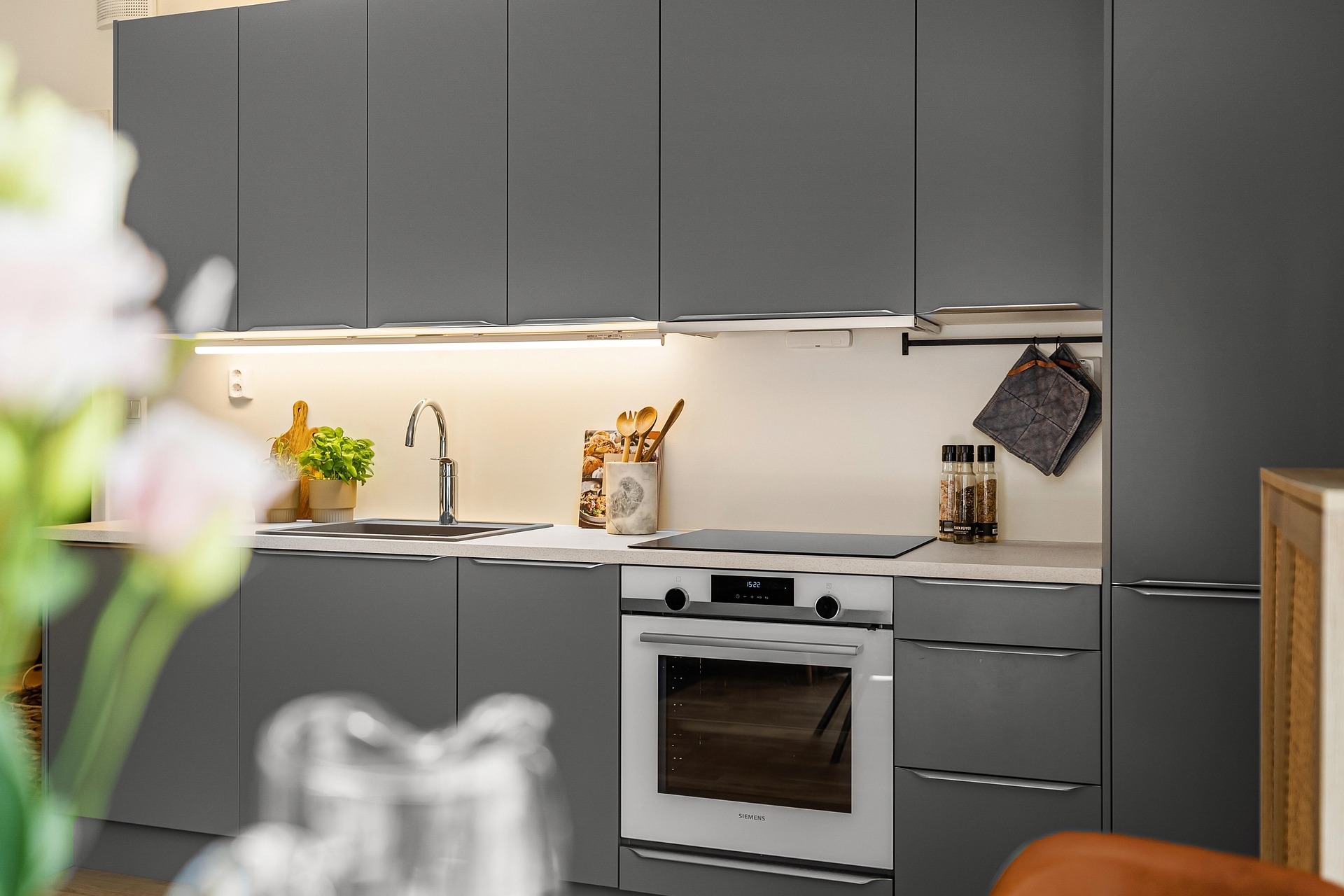
HOW ONLINE ORDERING WORKS
Online
Ordering
Walkthrough
If you’re just getting started using our online cabinetry ordering interface, or are just after a better understanding of some of the features, these easy to follow walk-through videos can guide you from start to finish. Creating a job, adding your products, using the layout tool and more.
Creating Room & Setting Defaults
Creating a job
Adding Products
Selecting Materials
Editing Rooms & Default Values
Adding Doors & Panels
Submitting Jobs
Creating Room & Setting Defaults
Account Settings
Basic Controls in the 3D Room Planner Part 1
Basic Controls in the 3D Room Planner Part 2



Copyright © 2026 Custom Cabinets Direct. All Rights Reserved